

Meta Keywords
choicejacking, juice jacking, USB charging attack, mobile cybersecurity, public USB charging danger, phone security, USB data blocker, Android security, iOS security
We’ve all been warned about the dangers of public USB charging stations. The term “juice jacking” has been circulating for years — the idea that a malicious charging port could siphon data from your phone while topping up its battery. Most of us figured that risk was neutralized: modern smartphones prompt you before allowing any data transfer, and a simple tap on “charge only” keeps you safe.
Not so fast.
Security researchers have now demonstrated a more sophisticated variant they’re calling ChoiceJacking — an attack that doesn’t bypass the security prompt, but rather answers it on your behalf.
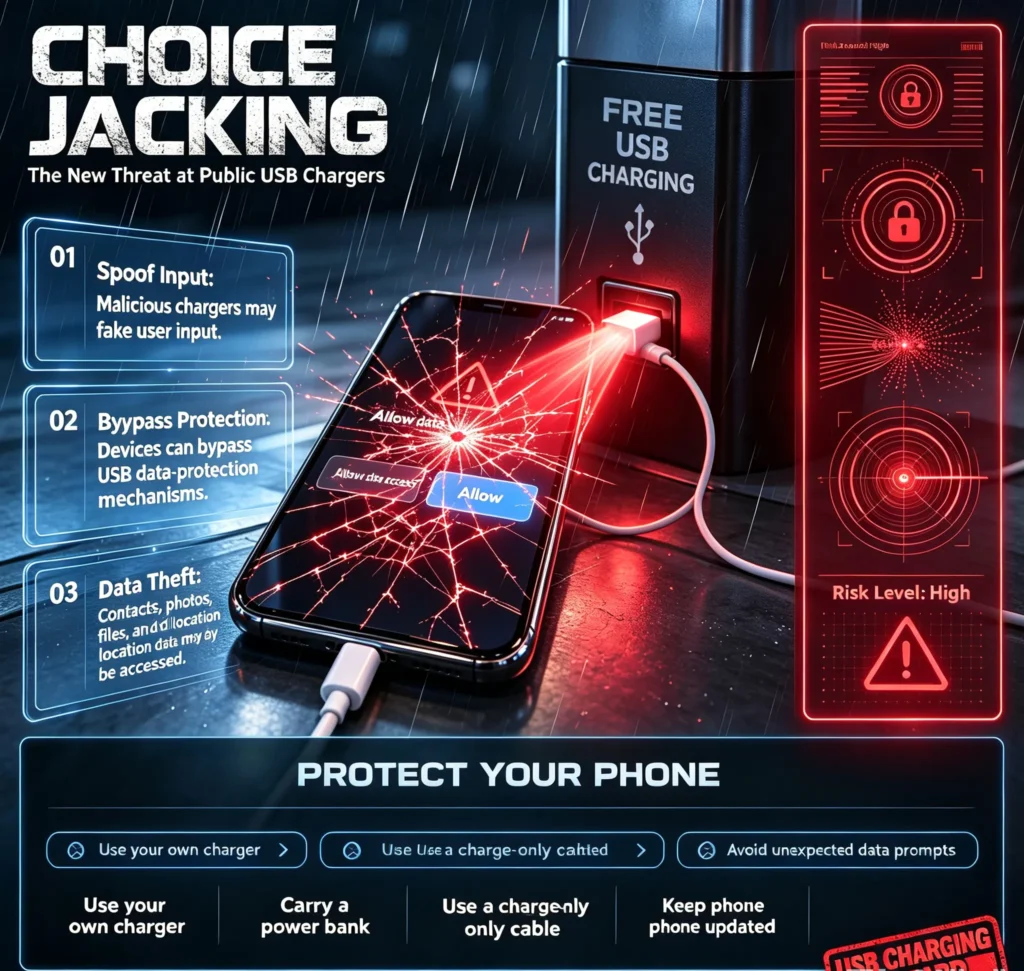
What Is ChoiceJacking?
At its core, ChoiceJacking exploits the physical connection between your phone and a compromised USB charger. Instead of waiting for you to manually tap “allow” on a data-access prompt, the malicious charger impersonates input devices (like a USB or Bluetooth keyboard) and programmatically sends the keystroke that approves the connection.
In practice, it works like this:
- Spoofing: The charger presents itself as a trusted input device to your phone.
- Triggering: It forces the phone to display a USB data-access or pairing prompt.
- Hijacking: Using the spoofed keyboard, it “presses” the approval button automatically.
- Exfiltration: Once approved, the charger gains data access and can extract files, photos, or install malware.
The most alarming part? Researchers demonstrated the fastest variant completing in roughly 133 milliseconds — far quicker than any human could react.
Why Should You Care?
A USB cable is never just a power cable. Depending on its wiring and the charger it’s plugged into, it can also establish a full data connection between your phone and whatever is on the other end. Plugging into an unknown public charging station is closer to connecting your phone to a stranger’s laptop than it is to plugging into a wall outlet.
Researchers tested this attack against multiple Android and iOS devices from leading manufacturers, and the results showed that physical USB connections remain a meaningful attack surface — especially as more people travel and rely on public infrastructure.
It’s worth noting: ChoiceJacking is a demonstrated vulnerability, not proof that criminals are actively weaponizing it in the wild. Apple and Google have also introduced additional protections in recent OS updates. But the fact that the attack can work on properly configured, up-to-date devices is reason enough to rethink your charging habits.
How to Protect Yourself
You don’t need to live in fear, but a few simple habits can eliminate the risk entirely:
- Carry your own charger and plug into a wall outlet. This is the single most effective defense. A public USB port is an unknown computer — treat it like one.
- Use a portable power bank when traveling. It’s cheap, reliable, and keeps the entire charging chain under your control.
- Consider a “charge-only” cable or a USB data blocker. These adapters physically remove the data pins from the connection, so even if the charger is malicious, no data can flow.
- Keep your phone’s operating system updated. Both iOS/iPadOS and Android have added layers of protection against USB-based attacks in recent releases.
- Never approve unexpected USB or data-access prompts. If a dialog pops up while you’re simply trying to charge, unplug immediately.
- Be extra cautious in high-traffic public spaces — airports, hotels, convention centers, train stations. These are the most likely places for tampered hardware.
The Bottom Line
Cybersecurity isn’t only about phishing emails, suspicious links, and remote exploits. Sometimes the threat is the cable you just plugged into your phone at the airport gate.
ChoiceJacking is a reminder that convenience has a cost. A free charging port might save you 30 minutes of waiting for a battery to drain, but it could also give a bad actor a direct pipeline to your personal data.
Next time you’re tempted to plug in somewhere unfamiliar, pause for a second. Ask yourself: Do I really trust this port?
Think before you plug in.